Free vs. Paid VIN History Reports: What Each Gives You
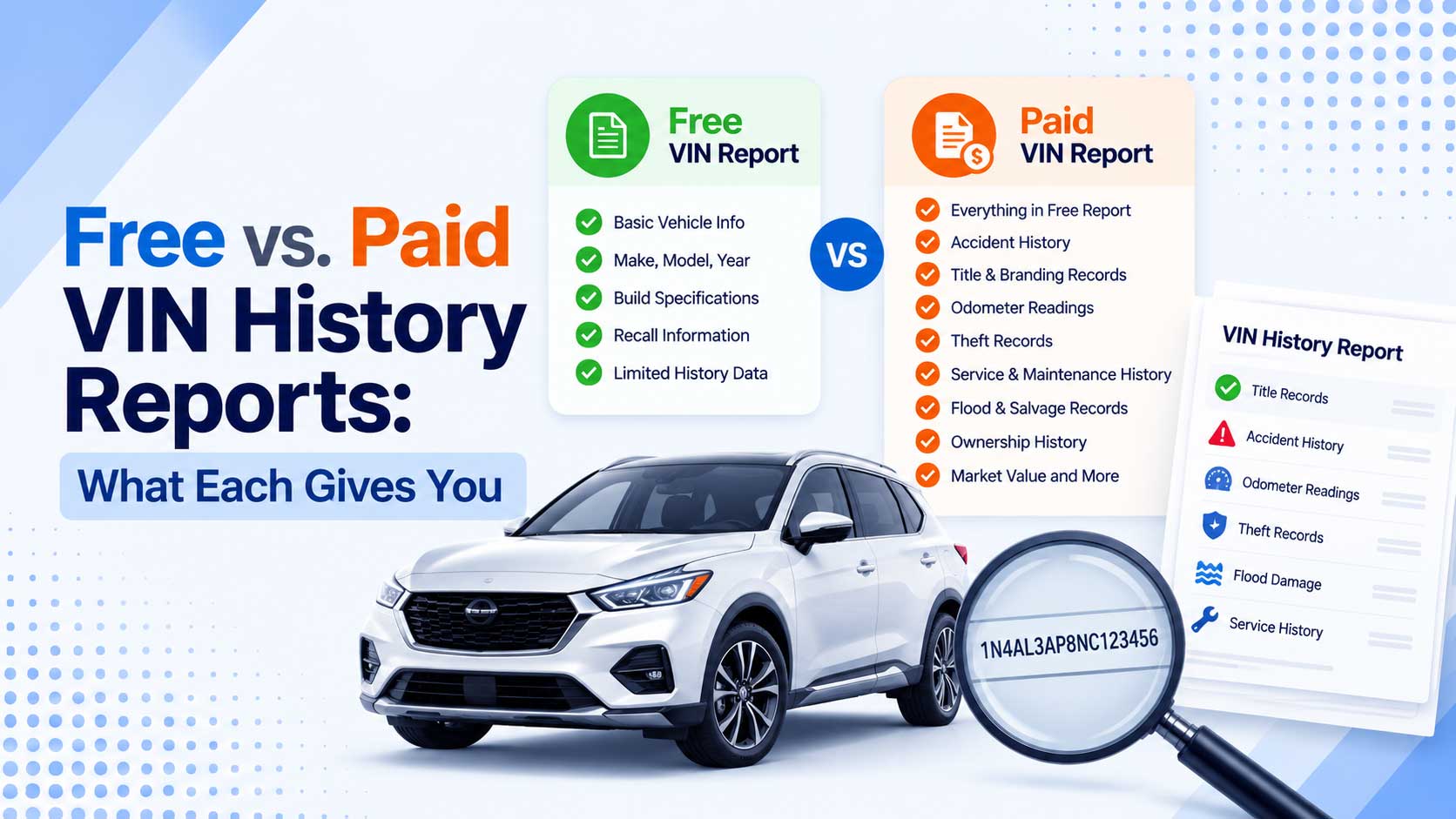
Search “VIN history report” and you get two kinds of results: free tools that promise a lot, and paid reports that cost real money. Both have a place, and neither is a scam if you know what you are actually getting. The trick is understanding what data each one can reach, because a VIN history report is only as good as the databases behind it. Here is the honest comparison.
First, What a History Report Is
A VIN history report is a summary of records filed against a vehicle’s VIN: title brands, reported accidents, odometer readings, ownership changes, and more. The report does not come from the VIN itself. The VIN is just the lookup key. The report is built by pulling records from title agencies, insurers, auctions, and government databases and stitching them together.
Before you run any report, confirm the VIN is real with our VIN Validator, because a wrong VIN returns another car’s history.
What You Can Get for Free
Free checks are more useful than people expect, especially for the most serious problems:
- NMVTIS data. The National Motor Vehicle Title Information System is a federal database of title brands and total-loss records. Reports through approved providers are very cheap, and this is the official source for salvage, flood, and junk brands.
- Recall lookup. Free by VIN from the manufacturer. See how to check open recalls by VIN.
- Stolen-vehicle checks. Some databases let you check theft records at no cost. Our guide on how to check if a car is stolen by VIN covers this.
- Basic decode. Our VIN Decoder reads the make, country, and year for free.
The catch: free tools often show only a slice, and some sites advertise “free” then charge for the actual report. Read what a free tool covers before you trust a clean result.
What Paid Reports Add
Paid services like the well-known history-report brands aggregate more sources into one document. What you tend to pay for:
- Consolidated accident data from insurers and body shops.
- Detailed odometer history with multiple readings over time.
- Full ownership timeline and number of owners.
- Service and inspection records where available.
- Use history: rental, fleet, lease, or taxi.
For a car with a complicated past, that depth can be worth the fee. It is one document instead of five separate lookups.
Free vs. Paid at a Glance
| Feature | Free checks | Paid report |
|---|---|---|
| Title brands (salvage, flood) | Yes (NMVTIS) | Yes |
| Open recalls | Yes | Sometimes |
| Basic decode | Yes | Yes |
| Full accident detail | Limited | Yes |
| Odometer history | Limited | Yes |
| Ownership timeline | No | Yes |
| Service records | No | Sometimes |
Which Should You Use?
A sensible approach uses both:
- Start free. Decode the VIN, check recalls, and pull an NMVTIS report. If a title brand shows up, you may have your answer already.
- Inspect the car in person and get a mechanic’s opinion. No report replaces this.
- Buy a paid report when the car passes the basics but you want the full picture: a higher-value purchase, a car with many owners, or anything where the story does not quite add up.
Spending a few dollars on a report before a multi-thousand-dollar purchase is reasonable insurance. Paying for a report on a car you have not even seen in person is not.
Watch for Report Traps
Two things to keep in mind. First, no report is complete: an accident never reported to insurance or police may not appear anywhere. Second, “free VIN report” sites sometimes exist to collect your information or upsell you. Stick to NMVTIS-approved providers and the manufacturer’s own recall tool for the free layer, and a reputable brand for the paid one.
Start With the VIN
Every report, free or paid, begins with a valid VIN. Confirm yours with our VIN Validator, decode it with the VIN Decoder to make sure it matches the listing, then layer the free checks and, if needed, a paid report on top. That order gets you the most information for the least money.
Keep Reading
- How to Check a Car’s Accident History by VIN
- How to Check If a Car Is Stolen Using the VIN
- What a Salvage or Rebuilt Title VIN Tells You
- How to Check Open Recalls by VIN
Free VIN tools: VIN Generator · VIN Decoder · VIN Validator · Bulk Generator · QR Code Generator · Visualizer